
Download My Live Messenger – Windows Live Messenger client for Android, chat tool, instant messaging, mobile utility
Overview
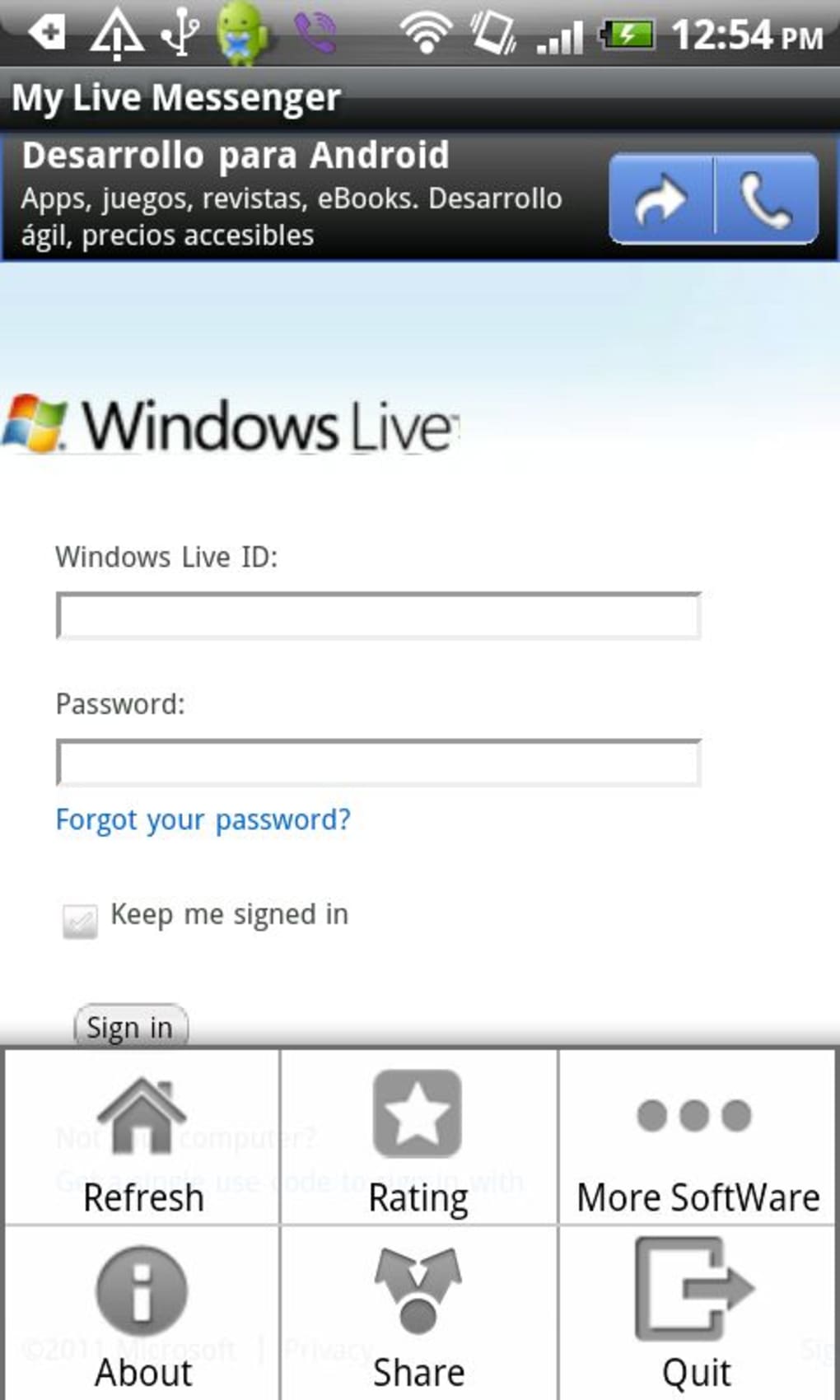
My Live Messenger is an Android application designed to provide access to the Windows Live Messenger service directly from mobile devices. The software enables users to sign into their Windows Live accounts and engage in instant messaging with contacts who are online. As an unofficial client, it functions primarily as a skinned browser interface for the web-based version of Windows Live Messenger, which influences its overall functionality and user experience. The app is intended for individuals who need basic access to their messaging accounts while on the move, particularly those still using older Windows Live Messenger protocols and seeking continuity across platforms.
It serves as a bridge between desktop and mobile environments, allowing users to stay connected without relying solely on a PC. However, its reliance on a web-based interface limits its capabilities and responsiveness. Real-world usage scenarios include checking messages during commutes, responding to urgent contacts, or maintaining presence on the Windows Live network from a smartphone. Despite these potential use cases, the app’s limitations in performance and feature set reduce its practicality for regular use.
The developer did not provide additional information about the background or development history of the application. The lack of transparency around updates and long-term support raises concerns about the app’s sustainability. While the latest update addressed a known refresh bug, broader issues such as limited functionality and third-party distribution remain unresolved.
Key Features & Capabilities
- Windows Live Account Integration – Allows users to log in to their existing Windows Live accounts and access their contact lists and active conversations.
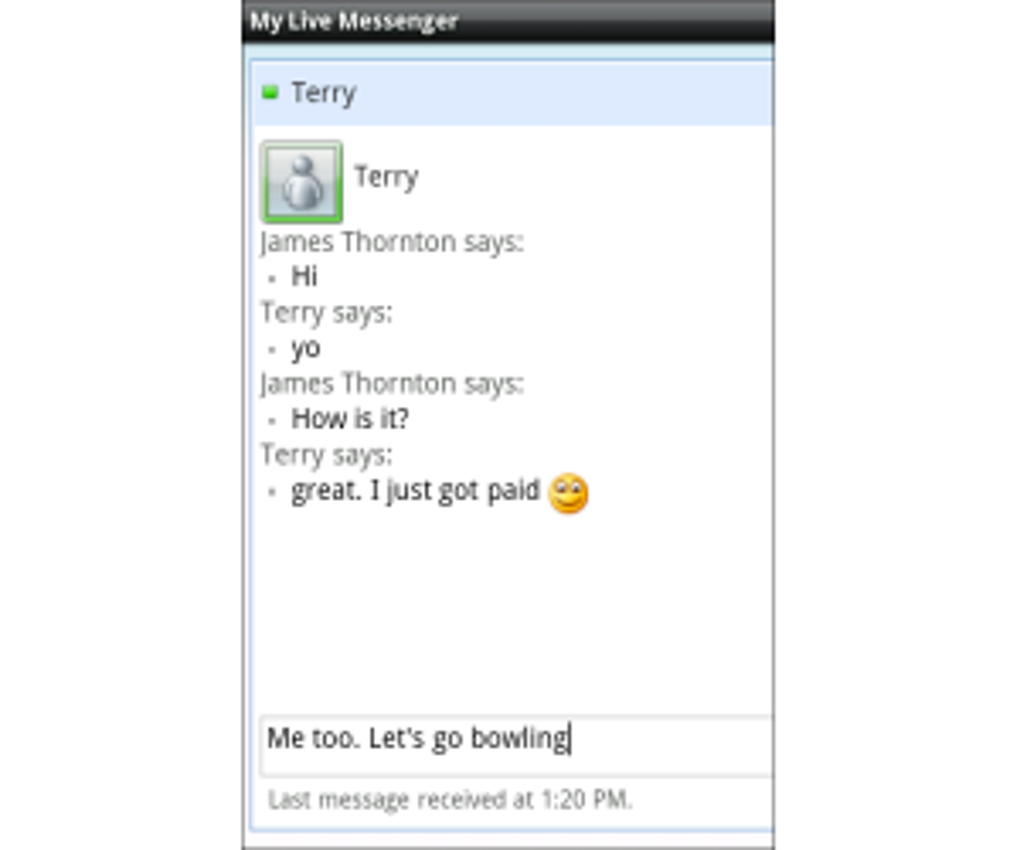
- Instant Messaging – Enables sending and receiving text messages, though replies require manual refresh to appear.
- Status Management – Users can update their online status (e.g., available, away, offline) and customize their visibility settings.
- User Blocking – Offers the ability to block unwanted contacts directly from the app interface.
- Message Invitations – Supports initiating group conversations by inviting additional participants.
- Emoticon Library – Includes a variety of Windows Live emoticons for expressive communication.
- Hotmail Access – Provides a dedicated section to check and manage Hotmail inbox content.
These features are useful for maintaining basic connectivity with contacts on the Windows Live network. The ability to update status and block users adds a layer of control over communication. The inclusion of emoticons enhances message personalization.
However, due to the app’s reliance on a web-based backend, advanced features such as file sharing, voice calls, video calls, and group chat functionality are not supported. This significantly restricts its utility compared to modern messaging platforms. The lack of native integration means users must manually refresh messages, which disrupts workflow and diminishes real-time interaction quality.
User Interface, Workflow & Performance
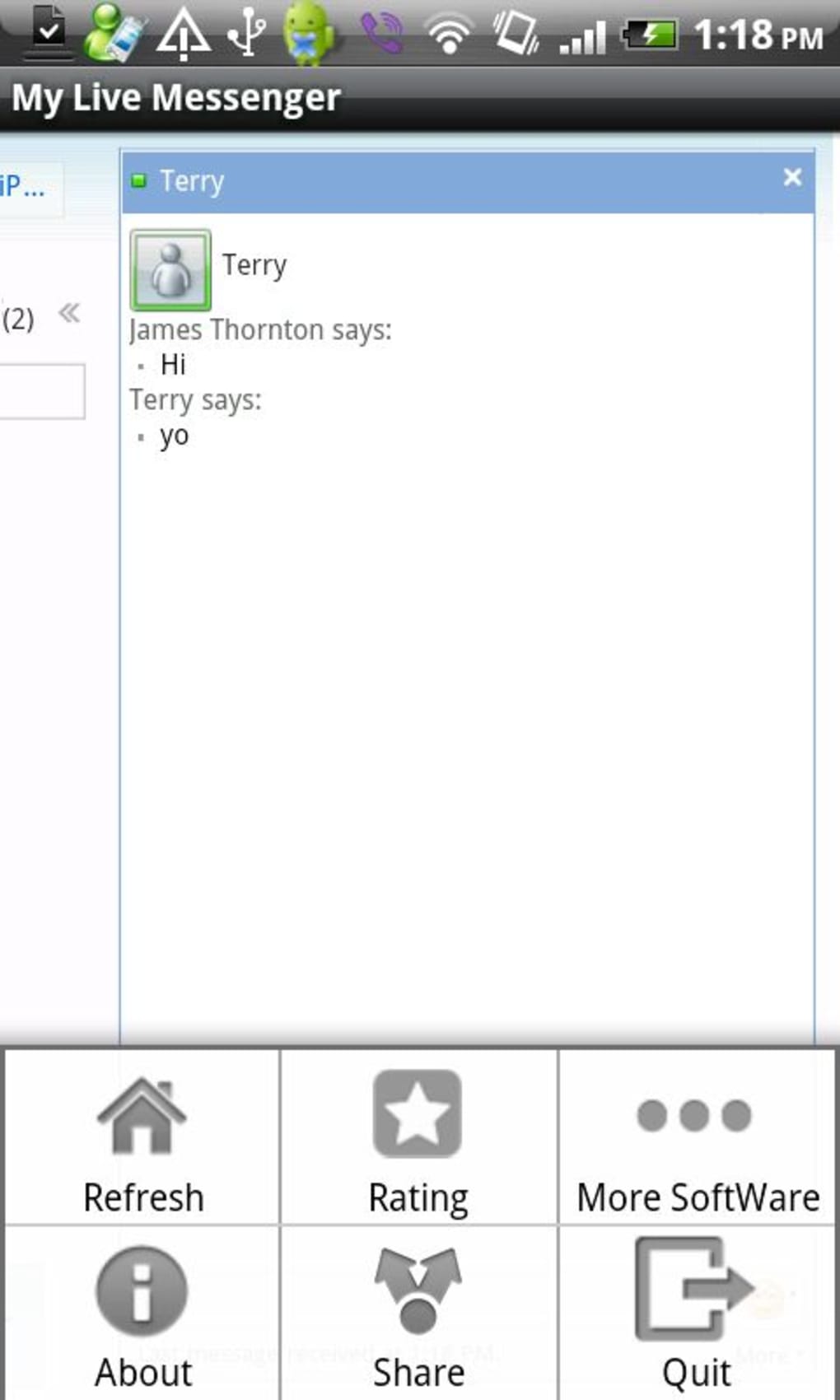
The user interface of My Live Messenger follows a simplified layout based on the web version of Windows Live Messenger, adapted for mobile screens. Navigation is structured around a central chat panel, contact list, and menu options for settings and account management. While the interface is functional, it lacks optimization for touch-based interaction, resulting in a clunky and inconsistent experience. Button placement, tap targets, and screen transitions are not fully adapted for mobile use, contributing to usability friction.
Workflow efficiency is hindered by the need to manually refresh messages to view replies, which interrupts the natural flow of conversation. This repeated action becomes tedious over time and reduces the app’s effectiveness for ongoing communication. The app does not provide real-time updates or background sync, meaning users must actively engage with the interface to stay current.
Performance observations are based on general software behavior patterns. The developer did not specify resource usage details, so CPU and RAM behavior cannot be assessed. Stability may be affected by the app’s reliance on external web services and third-party hosting. Since the app is not available on the Google Play Store, there is no guarantee of consistent performance or security audits.
Compatibility & System Requirements
My Live Messenger is designed for Android devices. The supported operating system version and hardware requirements were not listed by the developer. Installation size is also not specified. Platform compatibility information is limited to the general Android platform, with no mention of specific versions or device types.
Exact system requirements were not listed. Compatibility with newer Android versions or devices with limited processing power remains unclear. The app’s performance may vary depending on the device’s internet connection, browser engine, and background processes. Users should expect variable results based on their device configuration and network conditions.
Pros and Cons
Pros
- Provides access to Windows Live Messenger via Android devices.
- Allows basic messaging and status updates without a PC.
- Includes a selection of Windows Live emoticons for expressive communication.
- Offers Hotmail inbox access through a dedicated section.
- Updated version fixed the frequent refresh bug, improving usability.
Cons
- Relies on a web-based interface, resulting in limited functionality.
- Manual message refresh required, disrupting real-time conversation flow.
- Lacks support for file sharing, voice calls, video calls, and group chats.
- Not available on the Google Play Store; must be downloaded from third-party sites.
- Not signed with a Google Play certificate, raising security concerns.
FAQ Section
Is My Live Messenger compatible with all Android devices?
Compatibility information is limited. The app is intended for Android, but specific device or OS version requirements were not provided.
Is My Live Messenger safe to download?
The app is not available on the Google Play Store and is not signed with a Google Play certificate. This increases the risk of tampering or malicious modifications. Users should exercise caution when downloading from third-party websites.
Does My Live Messenger support file sharing?
No. The app does not support file sharing, as this functionality is not available in the underlying web version of Windows Live Messenger.
Can I use My Live Messenger offline?
Due to its reliance on a web-based interface, the app requires an active internet connection to function. Offline usage is not supported.
Is My Live Messenger regularly updated?
The developer did not provide information about update frequency or long-term maintenance. While a recent update fixed a refresh bug, ongoing development and support remain uncertain.
Final Thoughts + CTA
My Live Messenger offers a basic, albeit limited, way to access Windows Live Messenger from Android devices. While it enables essential functions like logging in, sending messages, updating status, and checking Hotmail, its reliance on a web-based interface severely restricts performance and usability. The need to manually refresh messages and the absence of core features like file sharing, calls, and group chat make it impractical for everyday use. Furthermore, the app’s distribution through third-party sites and lack of Google Play certification introduce significant security risks.
For users still tied to the Windows Live Messenger ecosystem, the app may serve as a temporary solution. However, given its limitations and potential risks, it is not recommended for regular or sensitive communication. Modern alternatives with better security, performance, and feature sets are widely available. If you must use it, ensure you download from a trusted source and understand the associated risks.
Download My Live Messenger now





.png)

